> ## Documentation Index
> Fetch the complete documentation index at: https://tigerdata-747200db-chore-custom-colored-homepage.mintlify.site/llms.txt
> Use this file to discover all available pages before exploring further.
# Integrate Fivetran with Tiger Cloud
> Fivetran is a fully managed data pipeline platform that simplifies extract, transform, and load processes. Integrate Fivetran with Tiger Cloud for seamless data synchronization
export const SERVICE_LONG = 'Tiger Cloud service';
export const SELF_LONG = 'self-hostedTimescaleDB';
export const SERVICE_SHORT = 'service';
export const CONSOLE = 'Tiger Cloud Console';
export const CLOUD_LONG = 'Tiger Cloud';
[Fivetran][fivetran] is a fully managed data pipeline platform that simplifies ETL (Extract, Transform, Load) processes
by automatically syncing data from multiple sources to your data warehouse.
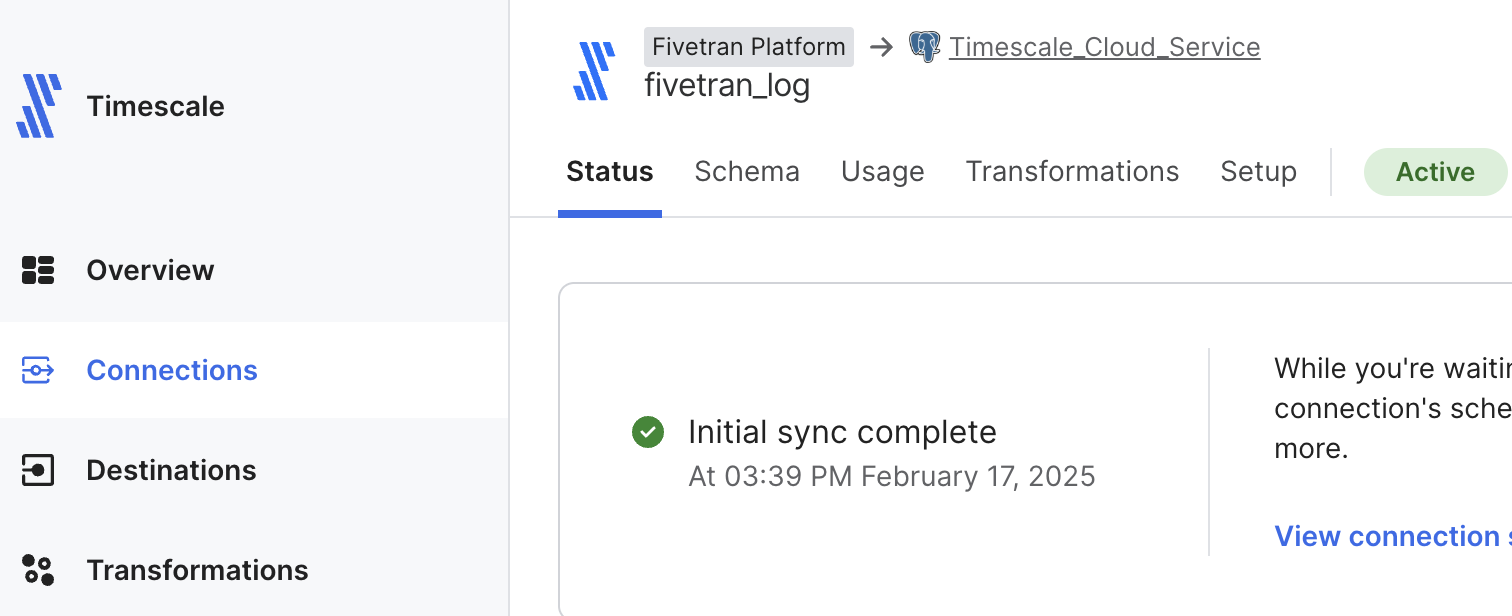
This page shows you how to inject data from data sources managed by Fivetran into a {SERVICE_LONG}.
## Prerequisites
To follow the steps on this page:
* Create a target [{SERVICE_LONG}][create-service] with time-series and analytics enabled.
You need [your connection details][connection-info]. This procedure also
works for [{SELF_LONG}][enable-timescaledb].
[create-service]: /cloud/tiger/get-started/create-services
[enable-timescaledb]: /open-source/timescaledb/install-and-update/install-self-hosted
[connection-info]: /integrations/find-connection-details
* Sign up for [Fivetran][sign-up-fivetran]
## Set your {SERVICE_LONG} as a destination in Fivetran
To be able to inject data into your {SERVICE_LONG}, set it as a destination in Fivetran:
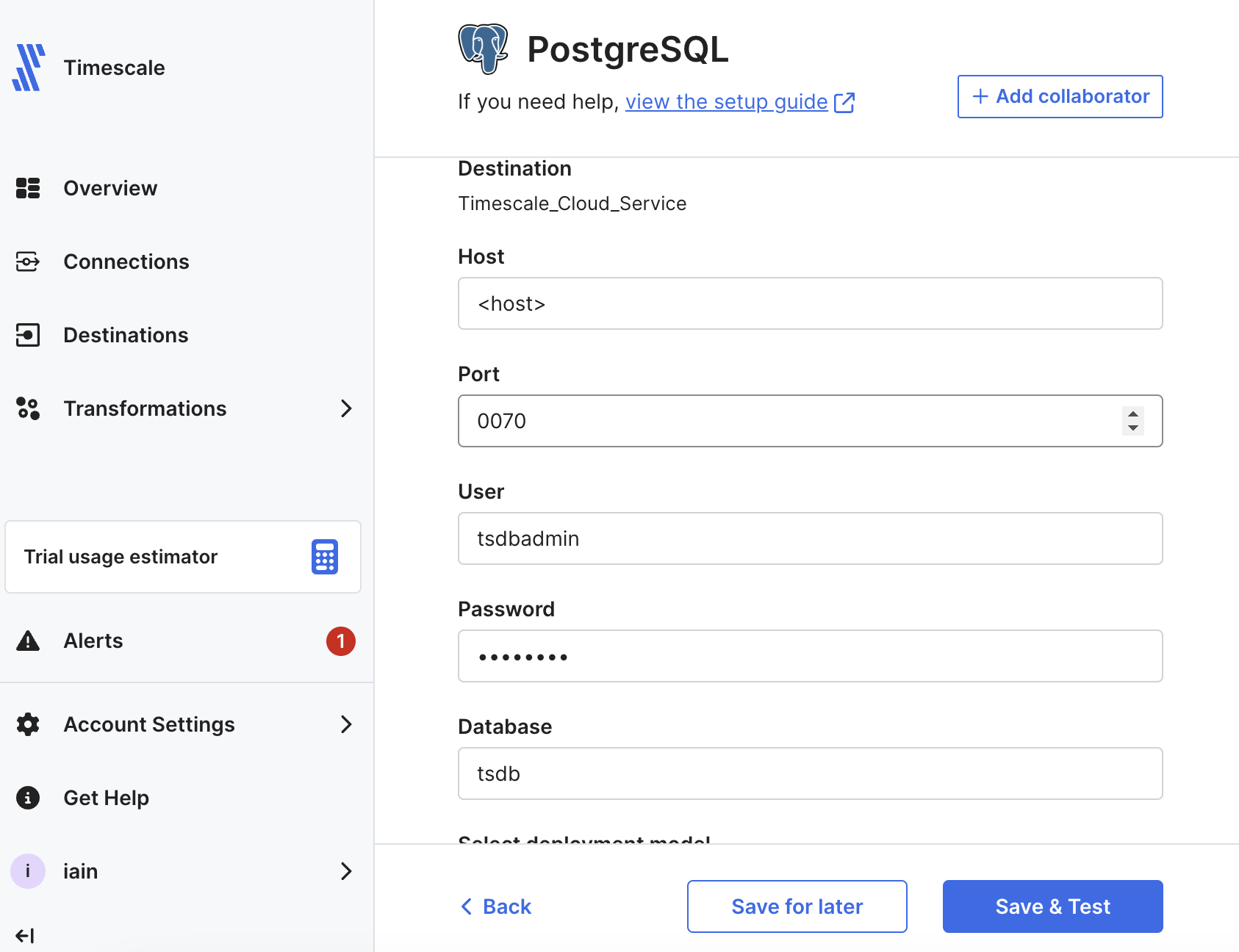
1. In [Fivetran Dashboard > Destinations][fivetran-dashboard-destinations], click `Add destination`.
2. Search for the `PostgreSQL` connector and click `Select`. Add the destination name and click `Add`.
3. In the `PostgreSQL` setup, add your [{SERVICE_LONG} connection details][connection-info], then click `Save & Test`.
Fivetran validates the connection settings and sets up any security configurations.
4. Click `View Destination`.
The `Destination Connection Details` page opens.
## Set up a Fivetran connection as your data source
In a real world scenario, you can select any of the over 600 connectors available in Fivetran to sync data with your
{SERVICE_LONG}. This section shows you how to inject the logs for your Fivetran connections into your {SERVICE_LONG}.
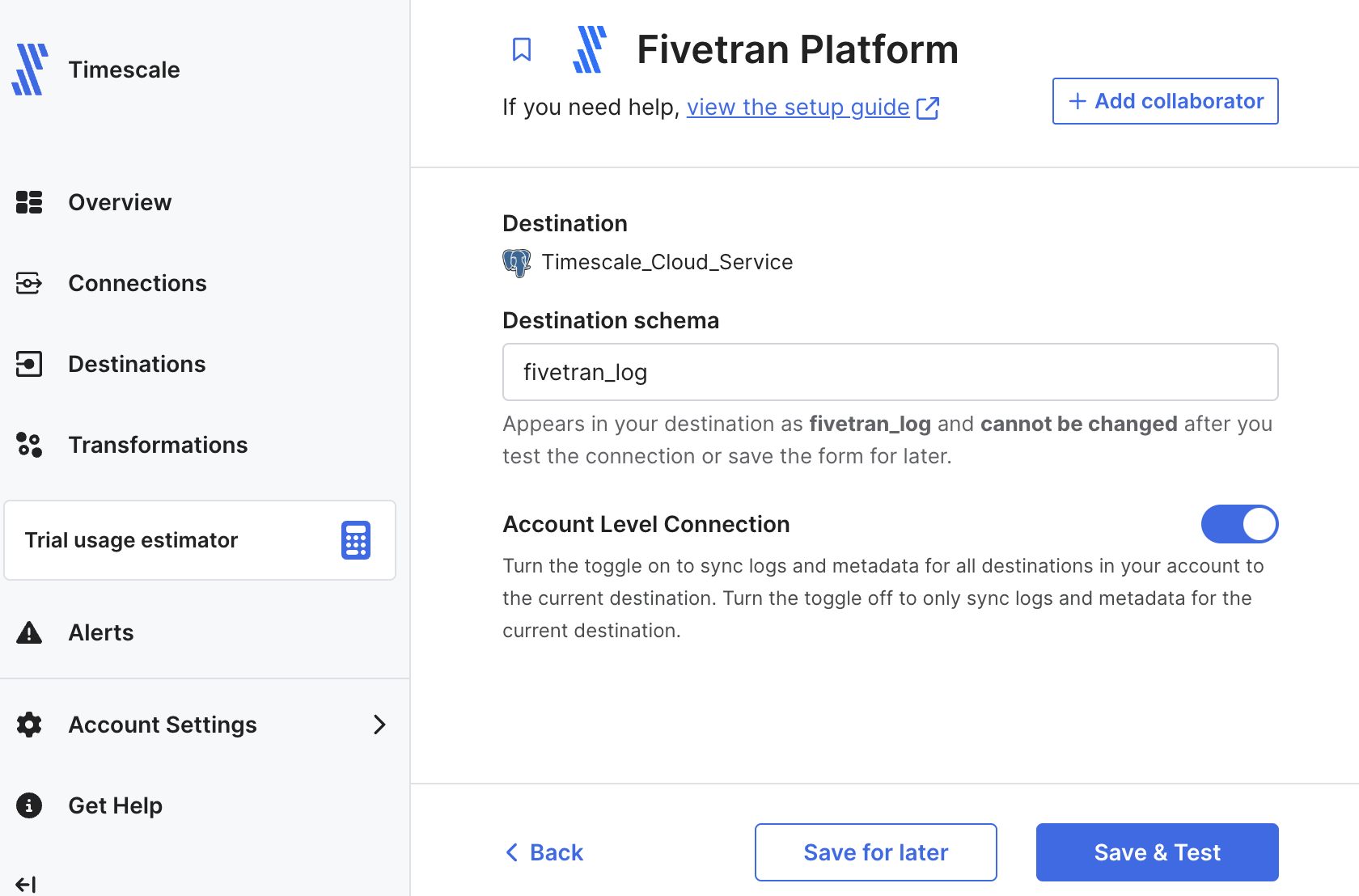
1. In [Fivetran Dashboard > Connections][fivetran-dashboard-connectors], click `Add connector`.
2. Search for the `Fivetran Platform` connector, then click `Setup`.
3. Leave the default schema name, then click `Save & Test`.
You see `All connection tests passed!`
4. Click `Continue`, enable `Add Quickstart Data Model` and click `Continue`.
Your Fivetran connection is connected to your {SERVICE_LONG} destination.
5. Click `Start Initial Sync`.
Fivetran creates the log schema in your {SERVICE_SHORT} and syncs the data to your {SERVICE_SHORT}.
## View Fivetran data in your {SERVICE_LONG}
To see data injected by Fivetran into your {SERVICE_LONG}:
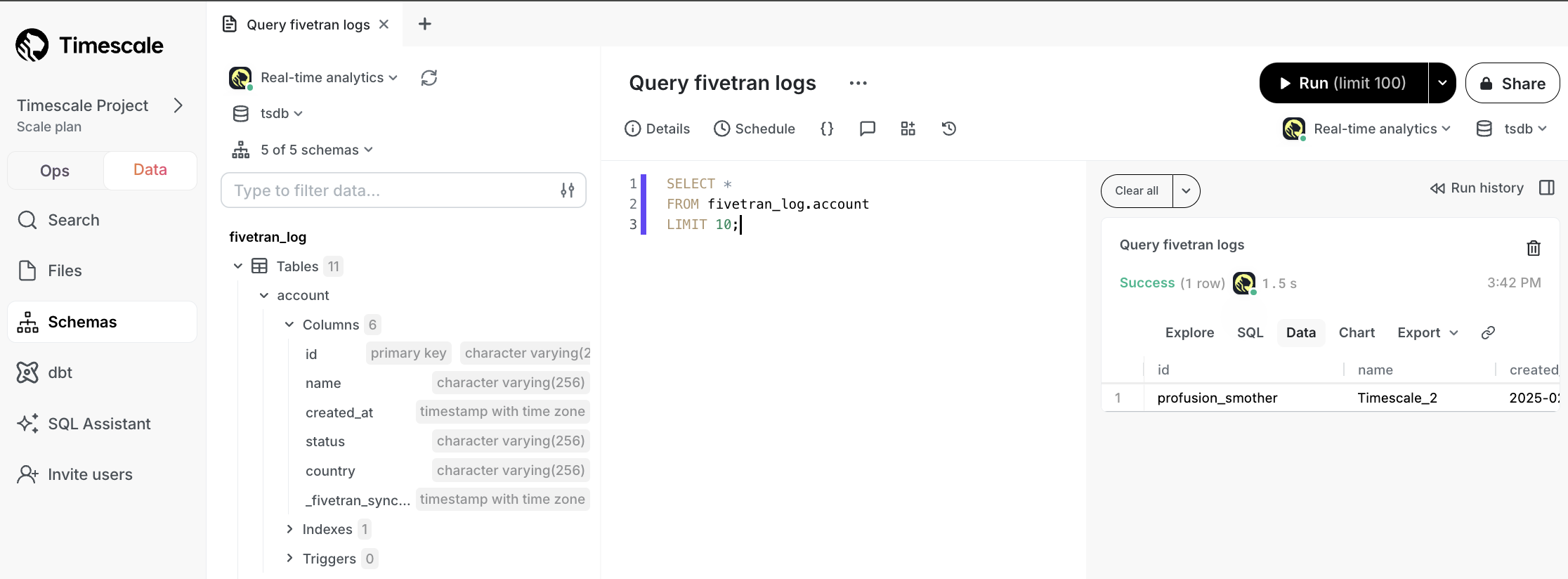
1. In [data mode][portal-data-mode] in {CONSOLE}, select your {SERVICE_SHORT}, then run the following query:
```sql
SELECT *
FROM fivetran_log.account
LIMIT 10;
```
You see something like the following:
You have successfully integrated Fivetran with {CLOUD_LONG}.
[connection-info]: /integrations/:currentVersion:/find-connection-details/
[fivetran]: https://fivetran.com/docs/getting-started
[sign-up-fivetran]: https://www.fivetran.com/
[fivetran-dashboard-destinations]: https://fivetran.com/dashboard/destinations
[fivetran-dashboard-connectors]: https://fivetran.com/dashboard/connections
[portal-data-mode]: https://console.cloud.timescale.com/dashboard/services?popsql