> ## Documentation Index
> Fetch the complete documentation index at: https://tigerdata-747200db-chore-custom-colored-homepage.mintlify.site/llms.txt
> Use this file to discover all available pages before exploring further.
# Integrate pgAdmin with Tiger Cloud
> pgAdmin is a feature-rich open-source administration and development platform for PostgreSQL. Integrate pgadmin with Tiger Cloud
[pgAdmin][pgadmin] is a feature-rich open-source administration and development platform for {PG}. It is available for Chrome, Firefox, Edge, and
Safari browsers, or can be installed on Microsoft Windows, Apple macOS, or various Linux flavors.
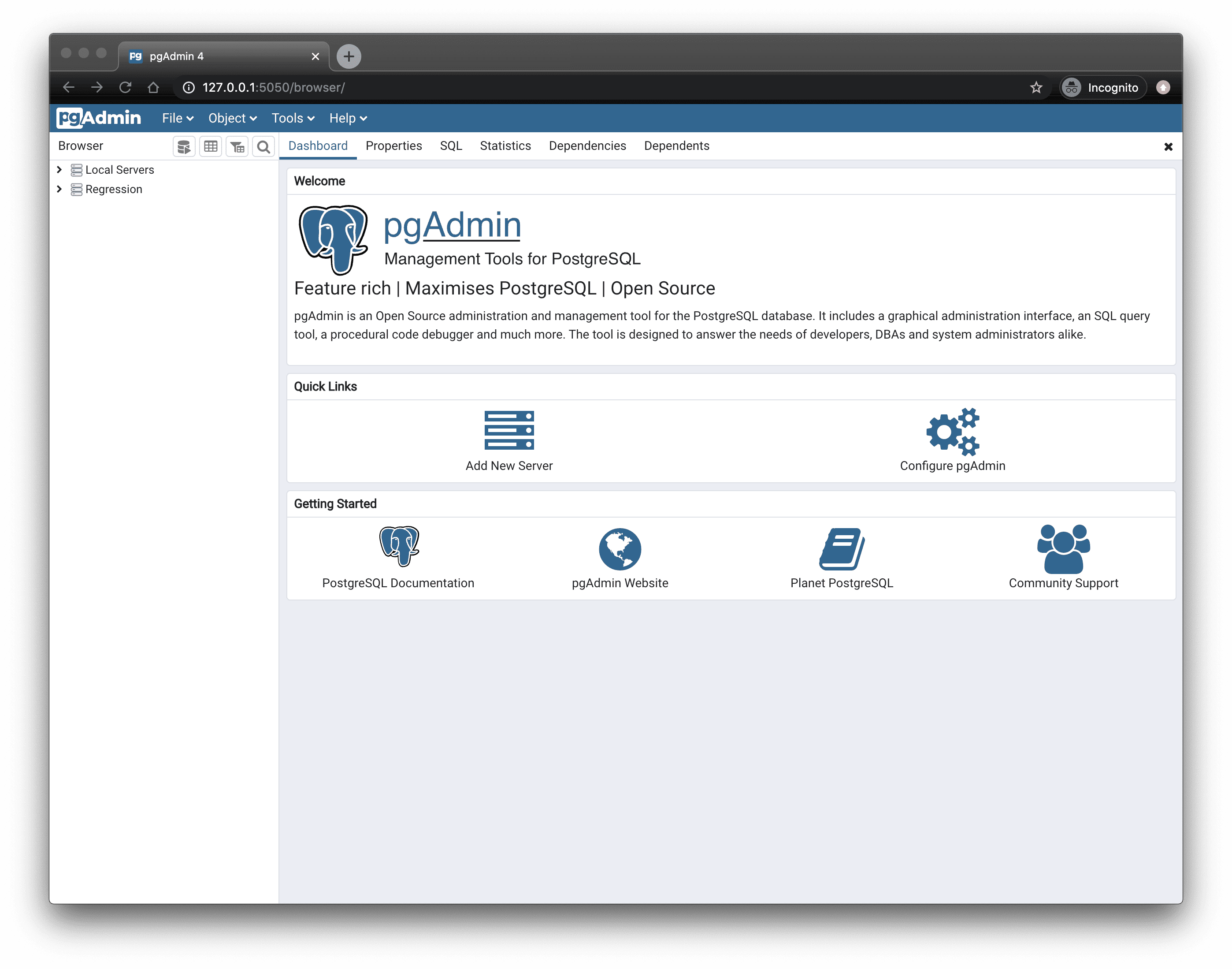
This page explains how to integrate pgAdmin with your {SERVICE_LONG}.
## Prerequisites
* [Download][download-pgadmin] and install pgAdmin.
## Connect pgAdmin to your {SERVICE_LONG}
To connect to {CLOUD_LONG}:
1. **Start pgAdmin**
2. **In the `Quick Links` section of the `Dashboard` tab, click `Add New Server`**
3. **In `Register - Server` > `General`, fill in the `Name` and `Comments` fields with the server name and description, respectively**
4. **Configure the connection**
1. In the `Connection` tab, configure the connection using your [connection details][connection-info].
2. If you configured your {SERVICE_SHORT} to connect using a [stricter SSL mode][ssl-mode], then in the `SSL` tab check `Use SSL`, set `SSL mode` to the configured mode, and in the `CA Certificate` field type the location of the SSL root CA certificate to use.
5. **Click `Save`**
You have successfully integrated pgAdmin with {CLOUD_LONG}.
[pgadmin]: https://www.pgadmin.org/
[download-pgadmin]: https://www.pgadmin.org/download/
[connection-info]: /integrations/:currentVersion:/find-connection-details/
[ssl-mode]: /use-timescale/:currentVersion:/security/strict-ssl/